
New Events Feature
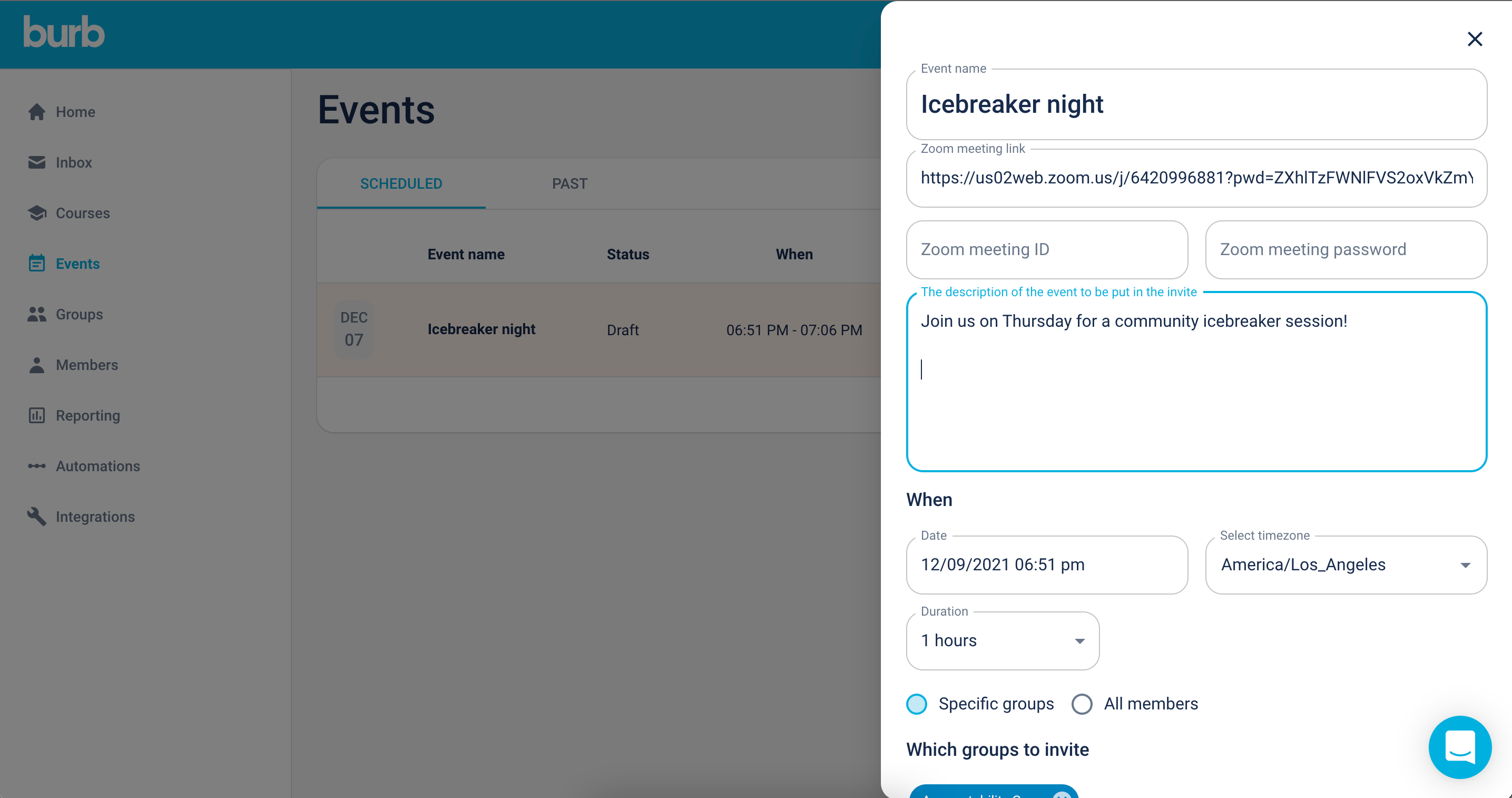
Cut out the event tool, and schedule your events right from Burb!
Our new events feature allows you to create a Zoom event (more video conferencing platforms, coming soon!), and invite your members right from Burb. Once you set up your event, select members to invite by tag, group, or search for specific members, and enable your new event. Once you've done that, all invited members will get a Google calendar invite. The invite contains a special link, one that allows us to track attendance.
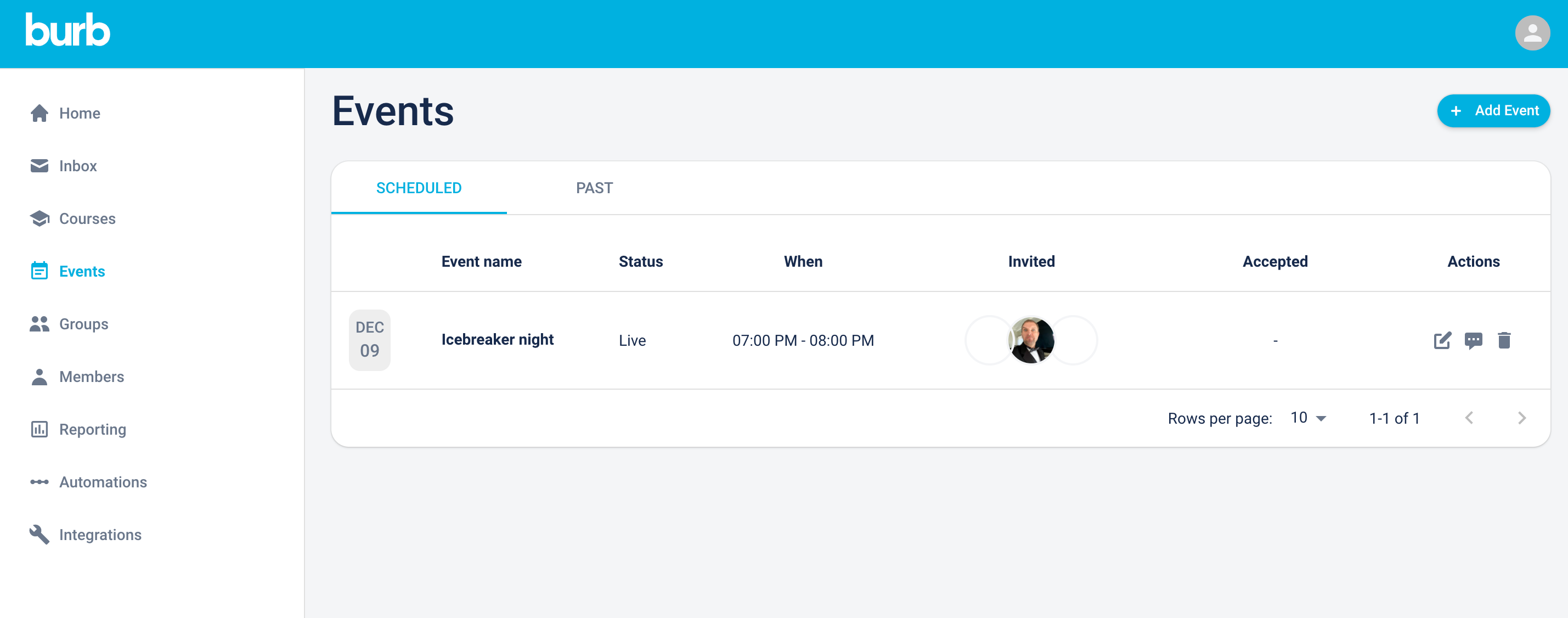
Once saved, you'll be able to see which of your members have accepted the invite (responded 'Yes' to the Google Calendar invite). Once the event has passed, you'll be able to see which members attended the event.
We'd love to know how you use the Events feature, and what else would be helpful! Drop us a note and let us know.